

It is 8:30 p.m.
Your team has gone home. Your inbox has not.
There are still approvals waiting, client notes to review, contractors asking for direction, and three “quick questions” sitting in Slack. You intended to spend the evening thinking about strategy. Instead, you are trying to remember which version of the process everyone is using.
Now someone suggests adding AI agents.
Another tool. Another login. Another workflow to monitor.
Is your head hurting yet?
AI agents are often presented as the answer to operational overload. They can summarize information, draft responses, move data between systems, flag issues, and complete repetitive tasks.
But here is the uncomfortable truth:
An AI agent cannot fix an unclear operation.
If your workflows are fragmented, your ownership is vague, and your team is already at capacity, adding an AI agent may simply create a faster, more complicated version of the same problem.
So how do you use AI agents without creating more work?
You design the structure first.
Start with the workflow, not the tool
The temptation is easy to understand.
You discover a new AI tool. It promises to act like an extra employee. You imagine all the tasks it could take over. You start building.
But what happens next?
The agent needs instructions. Those instructions need context. The context lives across emails, spreadsheets, project boards, and people’s memories. The agent produces an output, but someone has to check it. Then someone else has to correct it. Then the team develops a workaround because the original process was never clear.
Suddenly, the “time-saving” tool is another responsibility.
Before you automate anything, map the workflow as it exists today.
Ask:
- What triggers this process?
- What steps happen next?
- Who makes each decision?
- What information is required?
- Where do delays or errors occur?
- What does “done” actually mean?
- Which steps are repetitive, and which require judgment?
You do not need a perfect process map. You need enough visibility to distinguish between a genuine bottleneck and a task that is merely annoying.
That distinction matters.
If the problem is that a team member spends 30 minutes each day formatting a routine report, AI may be useful.
If the problem is that nobody knows which report matters, who owns it, or what decision it informs, AI is not the first solution.
Clarity is.
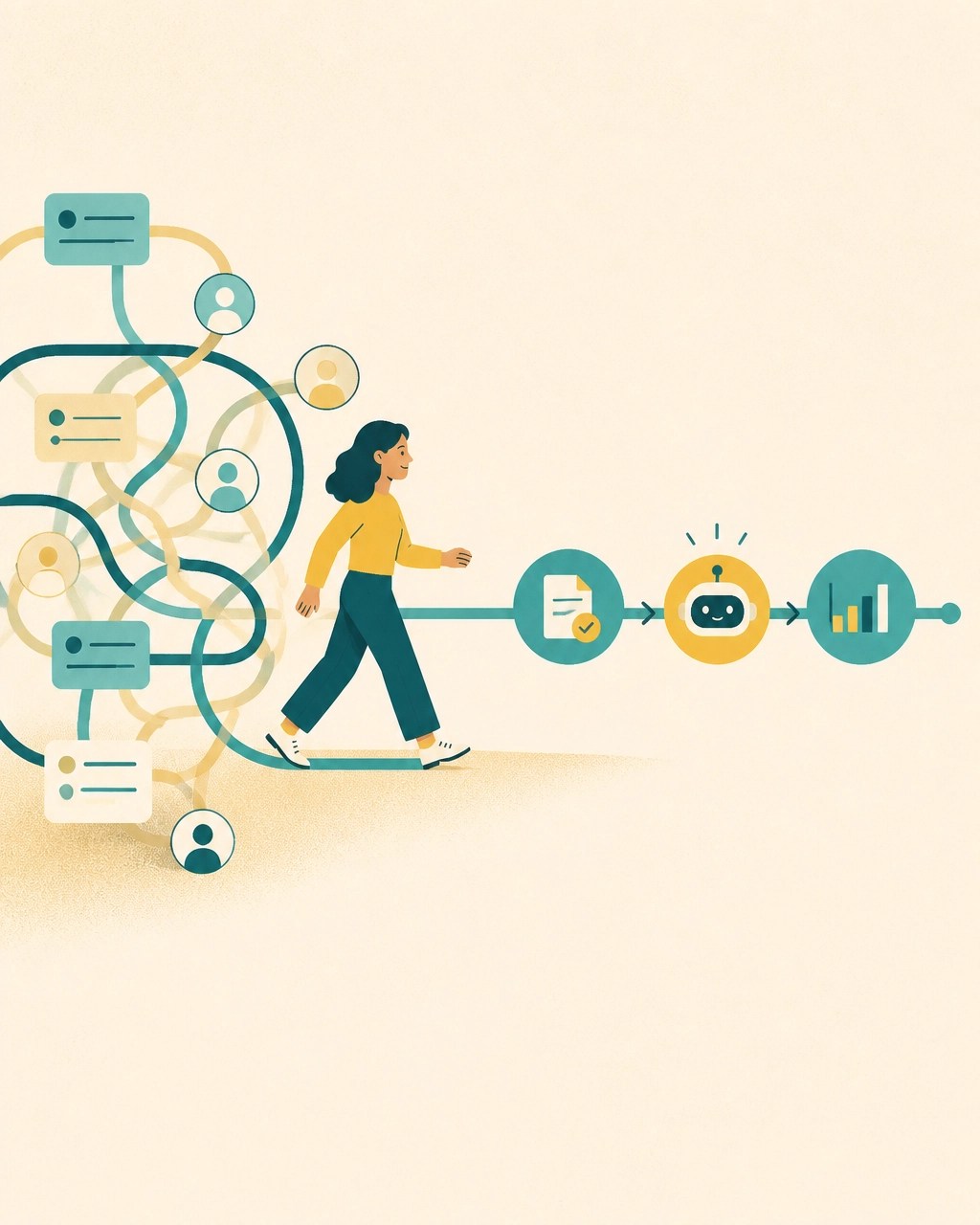
Use AI to support the workflow: not create a parallel one
The best AI agent is rarely the one with the most impressive capabilities.
It is the one that fits naturally into how your team already works.
If your team uses a project management system, the agent should ideally support work there. If client information lives in a CRM, the agent should not require someone to copy and paste the same information into a separate platform.
Every additional system creates friction.
Every manual handoff creates a chance for information to be lost.
Every new dashboard creates another place someone has to remember to check.
For a small, growing business, this matters even more. You may not have an IT department, a dedicated automation specialist, or spare capacity for a six-month implementation project.
You need support that works with the operation you have.
Consider a simple client onboarding workflow.
A useful AI agent might:
- Read an intake form.
- Summarize the client’s needs.
- Draft an internal project brief.
- Create a checklist in the team’s existing project tool.
- Flag missing information for a human to resolve.
That is very different from asking an agent to “manage client onboarding.”
The first has a defined role.
The second creates ambiguity, exceptions, and a great deal of supervision.
Start with one workflow. Choose one clear point of friction. Improve it before expanding.
Give the agent one job
People often struggle with delegation because they delegate outcomes without defining the role, resources, or boundaries required to achieve them.
AI exposes this problem quickly.
“Help with marketing” is not a job description.
“Draft three LinkedIn posts from this approved article, using our brand voice, and flag any claims that need source verification” is much closer.
A well-designed AI agent should have:
- A narrow responsibility
- Clear inputs
- A defined output
- Known constraints
- A path for escalation
- A human owner
This is not about making the system rigid for the sake of it. It is about reducing the amount of interpretation required from the people using it.
The same principles apply when delegating to a team member. As we explored in Prompt Engineering and the Art of Delegation, good AI instructions are really good delegation: context, knowledge, role, outcome, audience, and constraints.
If your team has to translate every AI output before they can use it, the agent is not reducing cognitive load.
It is moving the work around.
Decide what AI should support: and what people should own
AI can be useful without being in charge.
That distinction is essential.
A helpful question is:
Does this task require pattern recognition, or does it require responsibility?
AI can support pattern recognition. It can organize information, identify themes, summarize conversations, compare documents, draft options, and surface anomalies.
People should generally own decisions that involve:
- Relationships
- Values
- Risk
- Accountability
- Ambiguity
- Sensitive information
- Strategic tradeoffs
- The impact on another person
For example, an AI agent could review customer feedback and identify recurring complaints.
A person should decide what those complaints mean for the customer relationship, the product roadmap, or the organization’s commitments.
An AI agent could draft a performance update from project data.
A manager should own the conversation with the employee.
An AI agent could identify that a deadline is at risk.
A leader should decide what gets deprioritized, what gets communicated, and what support the team needs.
The goal is not to keep humans involved in every minor task.
The goal is to keep humans responsible for the tasks that require human judgment.

Assign ownership before you launch
Who owns the agent?
Not who built it.
Not who suggested it.
Who is accountable for whether the workflow is useful, accurate, and sustainable?
Without a clear owner, an AI agent becomes organizational orphanware. It exists. People depend on it. Nobody is responsible for maintaining it.
Then the prompts become outdated. The workflow stops matching the business. Errors increase. Team members quietly return to manual work.
Before launch, define:
- Who owns the business outcome?
- Who maintains the workflow?
- Who reviews exceptions?
- Who can change the instructions?
- Who decides whether the agent should be expanded or retired?
- How will the team report problems?
In a small organization, one person may hold several of these responsibilities. That is fine. What matters is that the responsibilities are visible.
Do not assume the founder should own everything.
If the agent supports client operations, the person closest to client delivery may be best placed to monitor its usefulness. If it supports internal reporting, the operations lead may own the process. If nobody has capacity to own it, that is important information.
You may not be ready to implement it.
Capacity is part of the implementation plan
AI implementation is still implementation.
It takes time to select a use case, document the workflow, configure the system, test outputs, train the team, and review what happens in practice.
Who is doing that work?
If the answer is “we will fit it in,” be careful.
Your team already has a workload. They already have priorities. They already have limits. An AI project that ignores those limits is not creating capacity. It is borrowing from the future.
Start with a realistic pilot.
Choose one workflow and one small group of users. Give them enough time to learn the system without expecting immediate perfection. Track not only time saved, but also:
- Time spent correcting outputs
- Number of manual handoffs
- Questions the team still has to answer
- Exceptions and escalations
- Whether the process feels easier or heavier
- Whether important judgment is being preserved
The most important metric may be simple:
Is the team actually experiencing less strain?
Productivity gains that leave people exhausted are not sustainable gains.
This is why AI strategy belongs inside operational strategy. It is not only a technology question. It is a question of structure, decision rights, communication, and organizational capacity.
Build human oversight into the design
Human oversight should not be an emergency response.
It should be part of the workflow from the beginning.
For lower-risk tasks, oversight might mean sampling a percentage of outputs each week.
For client communication, it might mean human approval before anything is sent.
For financial, legal, HR, or compliance-related work, the human checkpoint may need to be mandatory every time.
The agent should also know what to do when it is uncertain.
A useful fallback might be:
“If required information is missing or the request falls outside the approved criteria, stop and route this to the process owner.”
That is better than forcing the system to guess.
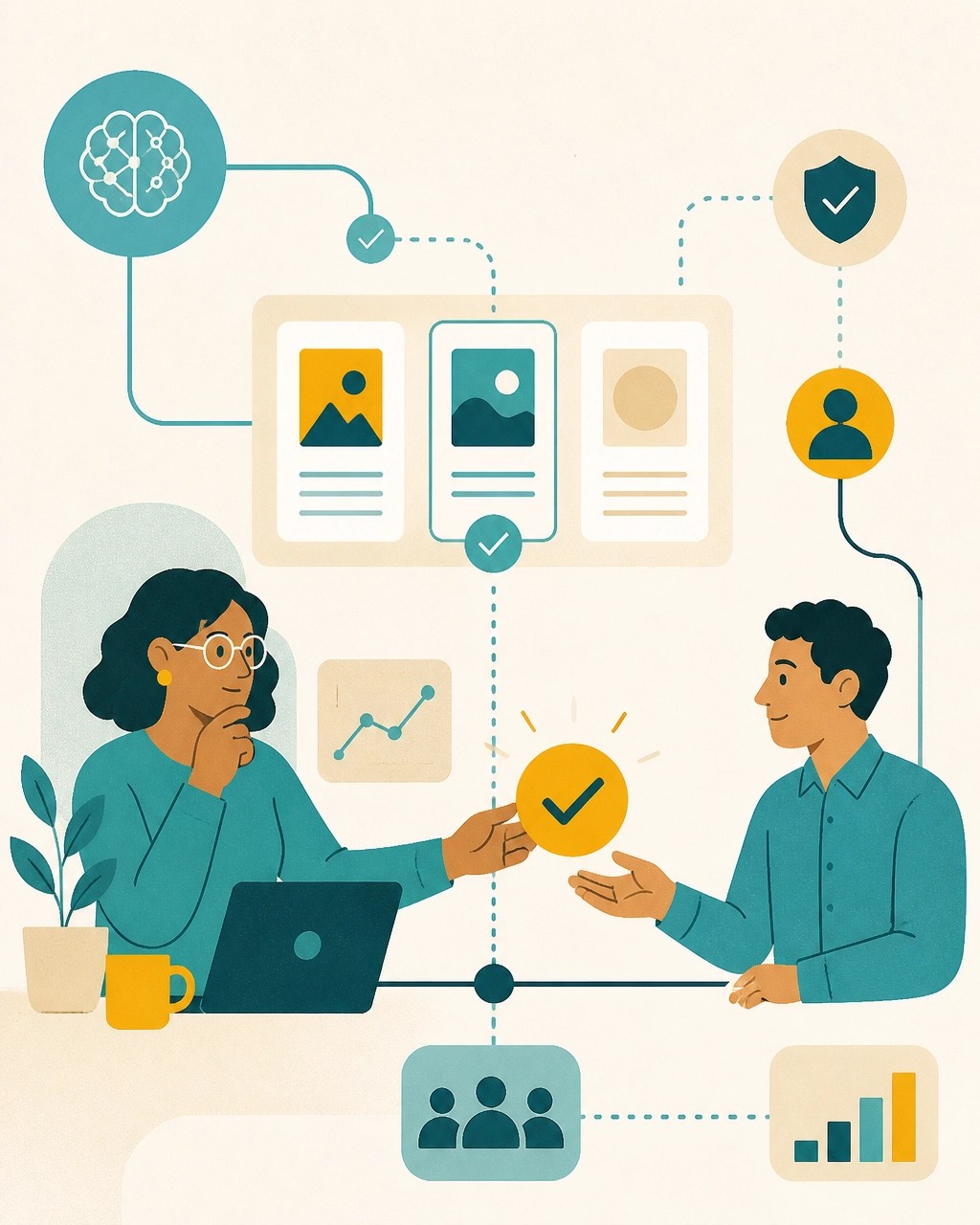
And remember: review should be designed to be fast.
A human should not have to reread an entire file to understand what the agent did. Ask for structured outputs. Make assumptions visible. Separate recommendations from actions. Highlight uncertainty.
The purpose of oversight is not to make people redo the work.
It is to make judgment visible at the points where it matters.
Communicate what is changing
Even a helpful AI agent can create anxiety if people do not understand why it exists.
Is it replacing part of someone’s role?
Is it monitoring their performance?
Will they be blamed when it makes a mistake?
Who can they ask for help?
These questions cannot be solved with a technical guide alone.
Explain:
- What the agent does
- What it does not do
- Which decisions remain human
- How outputs should be reviewed
- What information it can access
- How errors should be reported
- How the pilot will be evaluated
Invite the people doing the work into the design.
They know where the process breaks down. They know which exceptions matter. They also know when a proposed improvement will create more work in practice.
People-first implementation is not slower by default.
It is often faster because it reduces resistance, rework, and silent workarounds.
The real question is not, “What can AI do?”
The better question is:
What does our team need to stop carrying?
Maybe the answer is repetitive reporting.
Maybe it is meeting summaries, project updates, research organization, or first-draft communication.
Maybe the answer is not an AI agent at all. Maybe the organization needs clearer ownership, a better decision-making rhythm, or a role that holds coordination across the team.
Sometimes the right support is a better workflow.
Sometimes it is a Chief of Staff who can hold context, coordinate contractors, and keep strategic priorities moving.
Sometimes it is fractional COO leadership to take ownership of the operating rhythm, team performance, and infrastructure.
The technology is only one part of the design.
At Complexly Simple, our services begin with the same questions whether AI is involved or not: What are you carrying? Where is capacity leaking? What does the next stage require? What structure would allow your people to do their best work?
That might begin with a Capacity Assessment. It might lead to strategic coordination or operational support. It might simply give you the clarity to make the next decision well.
Because AI should not become another storm for your team to stand in.
It should help create a calmer way to move through the work.
And if it cannot do that, is it really solving the problem?
For more on staying human while adopting new technology, read Entrepreneurship in the Age of AI and AI doesn’t think for you. It thinks faster than you..
The future of work will involve AI.
But sustainable growth will still depend on people, clarity, trust, and thoughtful operational design.


